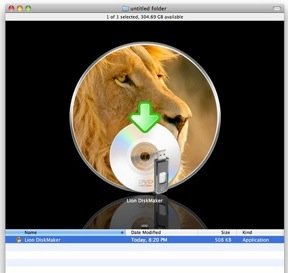
When Lion was released, we linked to a page detailing how to create your own bootable Lion drive. But if you absolutely must have a GUI and don’t want to go mucking around in the app package, you might find this little tool useful.
Lion Diskmaker is a simple app that extracts the necessary items from an embryonic Lion install (i.e. the package you downloaded from the Mac App Store) and writes them to a USB drive or DVD. That’s it! A single-serving app I’m sure many will find helpful.
All you need is a four-gig removable volume (SD card, thumbdrive, DVD) and a ready-to-install copy of Lion. Don’t forget to thank the author by donating or at least following.
[via Doobybrain]
Started by Steve Jobs, Steve Wozniak, and Ronald Wayne, Apple has expanded from computers to consumer electronics over the last 30 years, officially changing their name from Apple Computer,…

Learn more
OS X Lion also known as OS X 10.7 is an operating system by Apple. One of the key features of the OS X Lion is the fully incorporated…

Learn more
Article source: TechCrunch http://feedproxy.google.com/~r/Techcrunch/~3/7255W82MB50/